

On this page 7 sections
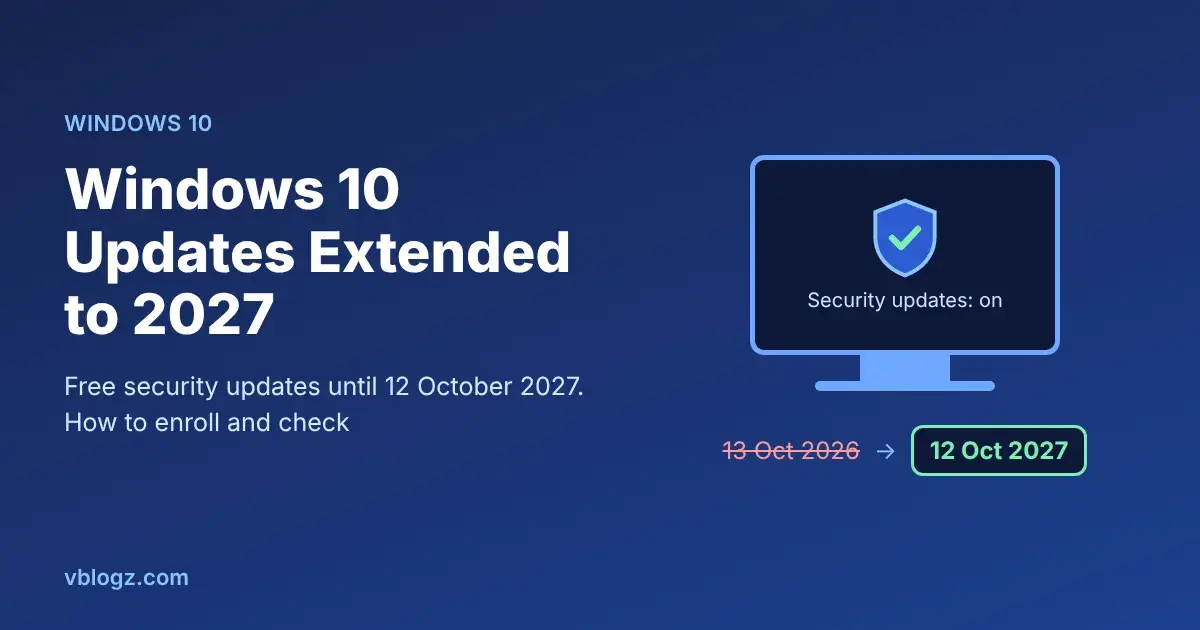
If you're still on Windows 10, you can keep getting security updates until 12 October 2027. Microsoft quietly extended its consumer Extended Security Updates (ESU) program by a year in June 2026, so the October 2026 deadline you may have read about no longer applies. If you already enrolled, your coverage continues automatically. If you never enrolled, you still can, for free, from Settings, Update & Security, Windows Update.
Plenty of articles still say ESU "ended" in October 2026. Microsoft's own ESU page now reads: "You can enroll in ESU any time until the program ends on October 12, 2027."
The Windows 10 timeline, in plain dates
- 14 October 2025: Windows 10 reached end of support. No more free updates for PCs not in ESU.
- 13 October 2026: the original end date of consumer ESU.
- 25 June 2026: Microsoft updated its ESU documentation and the Windows blog to extend consumer ESU, as Help Net Security reported. There was no big announcement, which is why so many people missed it.
- 12 October 2027: consumer ESU now ends. This is the real deadline for home PCs.
What ESU gives you, and what it doesn't
ESU sends critical and important security fixes, the patches that stop known attacks. It does not add features, fix general bugs, or come with Microsoft technical support. Your PC won't get faster or nicer. It just stays patched.
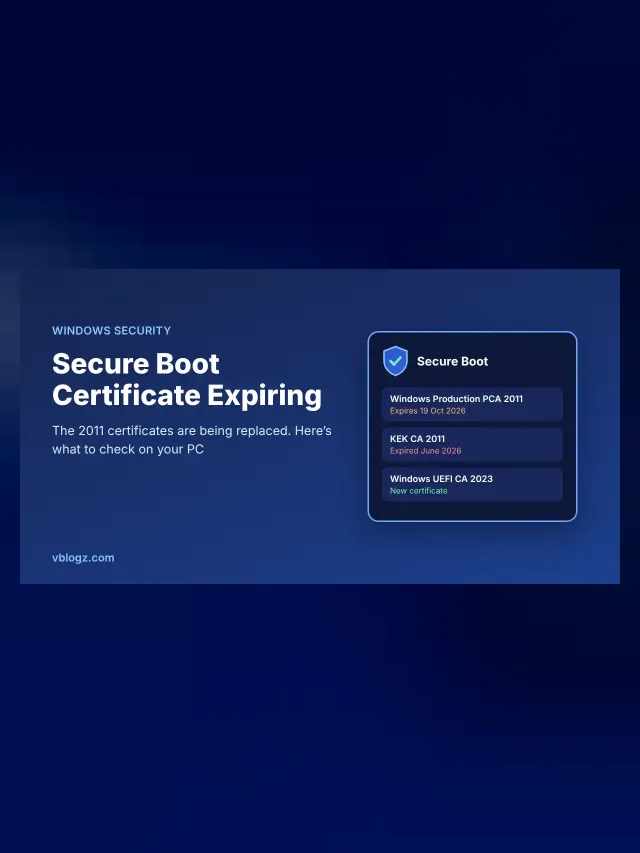
It also matters for something less obvious: on Windows 10, the new 2023 Secure Boot certificates only arrive through ESU security updates. Without ESU, your PC can't get them. Our guide to the Secure Boot certificate expiration explains why that matters.
How much does it cost?
Microsoft offers three ways to enroll, and one licence covers up to 10 PCs signed in with the same Microsoft account:
| Option | Cost | Catch |
|---|---|---|
| Sync your PC settings with Windows Backup | Free | Needs a Microsoft account; your settings are backed up to OneDrive |
| Redeem Microsoft Rewards points | 1,000 points | You need that many points already |
| One-time purchase | $30 USD or local currency equivalent, plus tax | No real reason to pay if the free option works for you |
In India and most other countries, the free Windows Backup option is the obvious choice. Prices and options can differ slightly by region, and users in the European Economic Area have their own free route, so go by what your own PC shows.
Businesses are different. Company-managed PCs need commercial ESU, which costs $61 per device for year one, $122 for year two and $244 for year three, and you can't skip the earlier years.
How to enroll, step by step
- Open Settings, then Update & Security, then Windows Update.
- Install every pending update first and restart. The enroll option only appears on an up-to-date PC.
- Under the Windows 10 end of support notice, click Enroll now.
- Sign in with a Microsoft account that is an administrator on the PC.
- Pick the free Windows Backup option (or one of the others) and finish.
When it's done, the Windows Update page shows that the PC is enrolled in Extended Security Updates. That's how you check later too.
"I can't see the Enroll button"
This is the most common problem. Go through these, in order:
- Wrong Windows 10 version. You need version 22H2. Press Windows + R, type
winverand check. If it's older, install the 22H2 update from Windows Update first. - Missing updates. Keep installing and restarting until Windows Update says you're up to date.
- Wrong edition. ESU for home users covers Home, Pro, Pro Education and Pro for Workstations. Enterprise and Education editions need the business route.
- Local or child account. You must be signed in as an adult administrator with a Microsoft account. If you use a local account, Windows asks you to sign in with a Microsoft account during enrollment.
- Work PC. PCs joined to a company domain, Microsoft Entra ID, or managed through device management software can't use consumer ESU. Ask your IT team.
Should you just move to Windows 11?
If your PC can run it, yes, eventually. The upgrade is free, and ESU only buys time until October 2027. Download Microsoft's PC Health Check app, and it will tell you in one click whether your PC qualifies. The usual blockers are the processor (roughly Intel 8th generation or AMD Ryzen 2000 series and newer), TPM 2.0 and Secure Boot.
A sensible plan for most people:
- PC qualifies for Windows 11: back up your files, then upgrade through Windows Update when you have an hour free. Enroll in ESU anyway in the meantime, since it's free.
- PC doesn't qualify but works well: enroll in ESU and use it until October 2027. That's a year to save for a replacement without buying in a hurry.
- Old and slow PC: consider a lightweight Linux such as Linux Mint for browsing and documents, or just use ESU as a bridge until you replace it.
Whatever you choose, keep your browser updated. Chrome, Edge and Firefox get their own updates separately from Windows, and the browser is where most attacks actually arrive.
Frequently asked questions
Is Windows 10 ESU free?
Yes, for home users who sync their PC settings with Windows Backup using a Microsoft account. The paid $30 option is only needed if you don't want to use that.
When does Windows 10 ESU end now?
For home users, 12 October 2027. If you enrolled before, you don't need to do anything to get the extra year.
Is it safe to keep using Windows 10?
With ESU, it's reasonably safe until October 2027, as long as you also keep your browser and apps updated. Without ESU, every new Windows vulnerability stays open on your PC, so don't use it for banking or payments.
Worried something already got in? Read our guide on spotting online scams for the warning signs that usually come first.








Comments 0
No comments yet. Start the conversation.