

On this page 7 sections
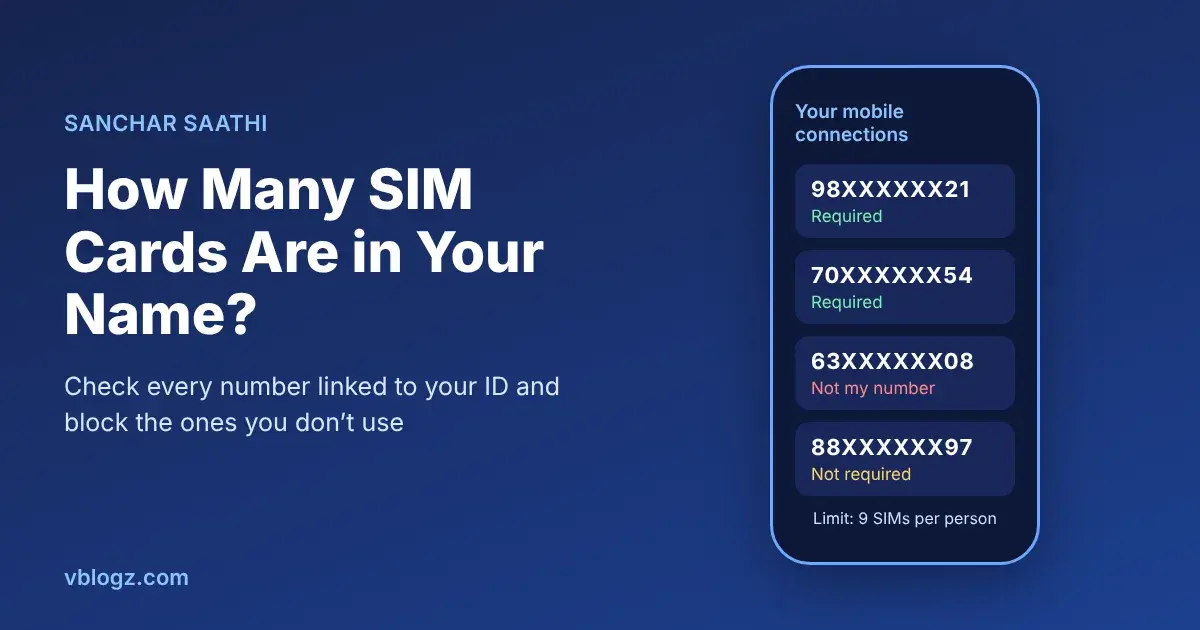
You can see every mobile number registered in your name on Sanchar Saathi, the Department of Telecommunications' free portal. Open Know Your Mobile Connections, log in with your number and an OTP, and it lists all the connections issued against your ID. If you spot one you don't recognise, you can report it right there and the operator has to verify it.
The check used to be called TAFCOP. Same thing, new home.
Why bother checking
Most people who check find exactly the numbers they expect. Some find an old prepaid SIM from college they forgot about. A few find something worse: a number they never bought.
That last case is the one that matters. SIMs issued on someone else's documents are a favourite tool for scam calls, fake KYC messages and OTP fraud, because the trail leads to the wrong person. If a number in your name is used for fraud, you're the one police will contact first. Two minutes now is cheaper than explaining that later.
It's also worth checking if you've ever handed a photocopy of your Aadhaar to a shop for a SIM, or if a retailer once asked you to give your fingerprint "twice" because the first one "didn't work".
How to check SIM cards in your name, step by step
- Go to sancharsaathi.gov.in. Under Citizen Centric Services, tap Know Your Mobile Connections.
- Enter any one of your active 10-digit mobile numbers and the captcha.
- Enter the OTP sent to that number.
- You'll see a list of every mobile connection registered against the same identity documents.
There's also an official Sanchar Saathi app for Android and iPhone that does the same check. Download it only from the Play Store or App Store listing published by the Department of Telecommunications, not from a link someone sends you.
What to do with each number on the list
Next to each number you'll get options to mark it. The two that matter:
- Not My Number: for a number you never took. This tells the operator the connection was issued without your consent, and it gets re-verified and disconnected if the owner can't be confirmed.
- Not Required: for an old number that is yours but you don't use anymore. It gets disconnected so it can't sit in your name doing nothing, or worse.
Leave the numbers you actually use alone. After you submit, you get a request ID, and you can check the status from the same page.
Be careful with one thing: don't mark a family member's number as "Not My Number" just because it's in your name. If you bought a SIM for your parents on your Aadhaar, it's legitimately yours on paper. Mark it Not Required only if they've stopped using it.
How many SIM cards can one person have in India?
Up to nine mobile connections per person across all operators. In Jammu and Kashmir, Assam and the North Eastern states the limit is six. If you go over, operators send you an SMS asking you to give up the extras. (Digit has a good summary of the rule.)
Data-only SIMs in a dongle or a JioFi count too. People often forget those.
If you find a number you don't recognise
Report it as Not My Number first. Then think about where your documents might have leaked: a SIM shop, a loan app, a hotel check-in. If you have reason to believe the number has been used to cheat someone, or you've started getting calls about payments you never made, also file a complaint on cybercrime.gov.in or call 1930, and keep a screenshot of the Sanchar Saathi list as proof that you reported it.
It helps to lock your Aadhaar biometrics too, from the UIDAI website or mAadhaar app, so nobody can use your fingerprint for a fresh SIM. You can unlock it for a few minutes whenever you need it yourself.
Other things Sanchar Saathi does
The same portal handles a few other jobs that are worth knowing about:
- Blocking a lost or stolen phone through CEIR, so it can't be used on any network in India. We have a full guide on how to block a lost phone on Sanchar Saathi.
- Checking whether a second-hand phone's IMEI is genuine before you buy it. Not sure what IMEI stands for? See our list of mobile phone full forms.
- Reporting suspected fraud calls and messages through Chakshu.
Frequently asked questions
Is TAFCOP the same as Sanchar Saathi?
Yes. The old TAFCOP portal's SIM check now lives inside Sanchar Saathi as Know Your Mobile Connections.
Can I check SIM cards in my name without OTP?
No. You need one working number in your name to receive the OTP. If you have none, an operator's store can only tell you about connections on its own network, so you'd have to ask each operator separately.






Comments 0
No comments yet. Start the conversation.